
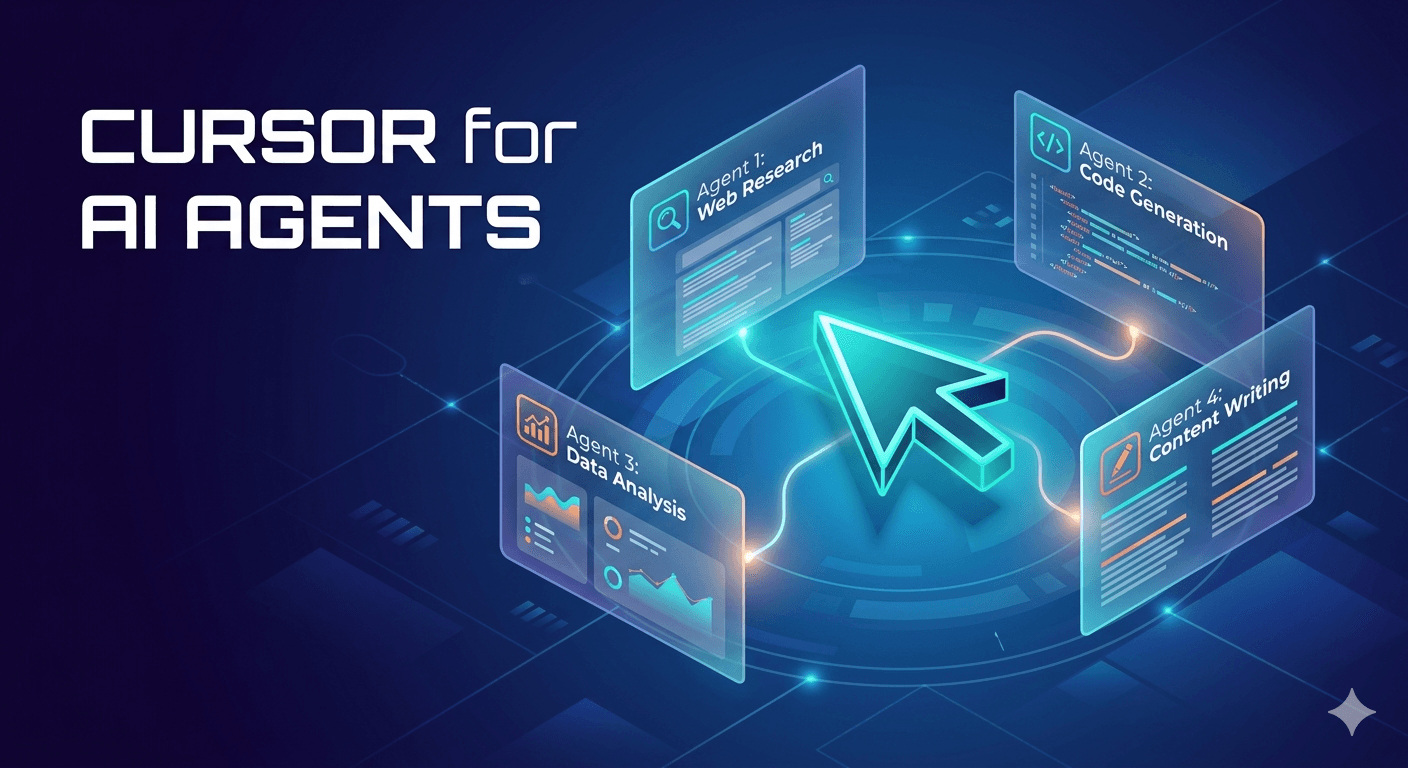
Cursor changed the way developers write code. Not by replacing the IDE — by reimagining it. It took a familiar surface (VS Code), embedded AI directly into the workflow, and made “code with intelligence” the default experience. Within two years, it became the fastest-growing developer tool in the world.
We’re building Falcon Builder to do the same thing for AI agents and automation.
Not another chatbot wrapper. Not another no-code form builder. A professional-grade environment where you design, test, deploy, and manage AI agent workflows — with AI embedded at every layer of the building process itself.
The Problem: Building AI Agents Is Still Too Hard
The AI agent ecosystem in 2026 is roughly where developer tooling was before modern IDEs. You have powerful primitives — foundation models, tool-use APIs, retrieval systems, execution runtimes — but the experience of assembling them into production workflows is fragmented and painful.
Today, if you want to build and deploy an AI agent, you face a choice:
- Write code from scratch. You get full control but spend weeks on infrastructure — orchestration, credential management, error handling, retry logic, deployment, monitoring. The agent itself is maybe 20% of the work. The plumbing is 80%.
- Use a no-code automation tool. Zapier, Make, n8n — they’re great for linear integrations, but they weren’t designed for AI-native workflows. Branching on LLM output, managing conversation memory, testing prompt variations, handling multi-model orchestration — you’re fighting the tool more than building with it.
- Use an AI coding assistant to generate agent code. Claude Code, Cursor, Windsurf — they’re incredible for developers. But the output is still code that needs to be deployed, monitored, and maintained. There’s no visual verification, no one-click testing, no built-in execution history.
None of these options gives you what a professional building environment should: a fast feedback loop from idea to deployed, observable, manageable agent.
What Cursor Got Right
To understand what we’re building, it helps to understand what made Cursor special. It wasn’t just “AI in an editor.” It was a set of design decisions that compounded:
- Context awareness. Cursor understands your entire codebase — not just the file you’re editing. It reasons across files, dependencies, and project structure. That context is what makes its suggestions useful rather than generic.
- Inline interaction. You don’t leave your workflow to talk to AI. It’s right there, in the editor, operating on the same artifact you’re building. The AI and the work surface are the same thing.
- Human-in-the-loop by default. Cursor suggests. You review. You accept, modify, or reject. The AI accelerates; the human verifies. Trust is earned incrementally, not demanded upfront.
- Professional-grade foundation. It’s built on VS Code — a real tool for real work. Not a toy. Not a demo. You can use it eight hours a day on production codebases.
These principles — deep context, inline AI, human verification, professional reliability — are exactly what’s missing from the AI agent building experience today.
Falcon Builder: The Agent IDE
Falcon Builder is a visual workflow IDE purpose-built for AI agent development. Here’s how we’re applying Cursor’s playbook to the agent building problem:
1. The Canvas Is the IDE
Every workflow in Falcon Builder lives on a visual canvas. Nodes represent actions — AI prompts, API calls, database queries, conditional branches, code execution. Edges represent data flow. You see the entire agent architecture at a glance, the same way a developer sees their project structure in an IDE file tree.
But the canvas isn’t just a drawing tool. Every node is testable in isolation. Click any node, hit test, and see the actual output with real data. No deployment needed. No guessing. The feedback loop is seconds, not minutes.
2. AI Wingman: The Copilot for Agent Building
This is where the Cursor analogy gets concrete. AI Wingman is an LLM-powered assistant that lives inside the workflow editor. It sees your entire workflow — every node, every connection, every configuration — and can make targeted changes through natural language conversation.
Tell Wingman: “Add an error handler that retries failed API calls three times with exponential backoff.” It returns structured operations — add these nodes, configure them like this, wire these connections — that you review in a visual diff and apply with a click. Just like Cursor’s inline suggestions, but for workflow architecture instead of code.
The key insight: you build with natural language and verify with visual confirmation. The canvas is the verification layer. You don’t have to trust what the AI generated — you can see it, test it, and trace every decision.
3. Deep Context, Not Generic Suggestions
Wingman doesn’t just know about AI agents in general. It knows about your workflow specifically. It knows which nodes produce which outputs, how variables flow between steps, which credentials are configured, and what your workflow is trying to accomplish. When it suggests a change, that suggestion is grounded in the reality of your specific agent — not a generic template.
This is the same principle that makes Cursor more useful than ChatGPT for coding. Context is everything.
4. Model-Agnostic by Design
Cursor works with multiple AI models. You’re not locked into one provider. Falcon Builder follows the same philosophy. A single workflow can use Claude for complex reasoning, GPT-4o for vision tasks, Gemini for long-context analysis, and a local Ollama model for cost-sensitive steps. You pick the right model for each node, and the platform handles the orchestration.
This matters more than people realize. The model landscape changes monthly. Locking your agent infrastructure to a single provider is a strategic risk. Falcon Builder is the orchestration layer that lets you swap models without rebuilding workflows.
5. Production-Grade from Day One
Cursor isn’t a prototype tool. You ship production code from it. Falcon Builder has the same posture. Every workflow comes with:
- Full execution history — every run logged with per-node inputs, outputs, timing, and token costs
- Encrypted credential vaults — AES-256 encryption, never stored in plaintext, per-workspace isolation
- Webhook and cron triggers — nine trigger types including Gmail polling, Google Sheets change detection, and inbound email parsing
- Conversation memory — persistent multi-turn context with auto-summarization, scoped by session, phone number, or any identifier
- Team workspaces — RBAC, multi-tenant isolation, per-workspace billing for agencies managing multiple clients
You don’t outgrow Falcon Builder. You grow into it.
Who This Is For
Cursor didn’t replace developers. It made them dramatically faster. Falcon Builder does the same for the people building AI agents and automations:
- AI consultants and agencies who deploy agent workflows across multiple clients and need workspace isolation, credential management, and execution visibility without spinning up custom infrastructure for each engagement.
- Technical operators and automation engineers who think in systems and workflows but don’t want to maintain deployment pipelines, monitoring stacks, and retry logic for every agent they build.
- Developers who want to move faster. You can write agent code from scratch. But why spend a week on infrastructure when you can have a tested, deployed, observable agent in an afternoon? Falcon Builder is the leverage.
- Teams exploring AI automation who need a shared surface to design, iterate, and deploy agent workflows collaboratively — with version history and execution traces that the whole team can reference.
The IDE Thesis
Here’s the bet we’re making:
AI agents are going to become as fundamental to business operations as software applications are today. And just like software development needed IDEs — not just text editors, not just compilers, but integrated environments that handled the full lifecycle — AI agent development needs the same thing.
The workflow canvas is not a crutch for people who can’t code. It’s a verification layer for complex systems. When your agent has fifteen steps, three conditional branches, two API integrations, conversation memory, and error handling — you want to see it. You want to click any node and test it. You want to trace a failed execution step by step. That’s not a limitation. That’s an IDE.
Cursor proved that AI-native tooling could take over a mature, entrenched category (code editors) by making the building experience fundamentally better. Not by replacing the developer — by augmenting them with deep context and intelligent assistance.
Falcon Builder is applying that same insight to the next wave: AI agents. The canvas is the editor. Wingman is the copilot. The execution engine is the compiler. And the whole thing is designed for the people who are going to build the automations that run the next decade of business.
Try It
We’re live. You can sign up today and build your first agent workflow in minutes. No credit card required.
If you’ve ever wished there was a Cursor-quality building experience for AI agents and automation — that’s what we’re building. Come see for yourself.
Mark Chiles is the founder and CEO of NeoSky AI, the company behind Falcon Builder — a visual IDE for AI agent workflow automation. He has over 25 years of executive technology leadership experience.
Build AI agents like a pro
Falcon Builder is the Cursor for AI agents — a visual IDE with AI-native building, real-time testing, and one-click deployment. Start free today.